-
![Profile picture of Community Manager]()
Community ManagerPinned Post
Continuous ECG technology is revolutionizing heart health by providing real-time insights into how your heart responds to stress, exercise, and recovery. This data empowers personalized care, enabling more informed and proactive decisions to support overall well-being. In the below blog learn how Continuous ECG can support your journey to better…Read More
![]() 7 Comments
7 Comments-
-
![Profile picture of Community Manager]()
Absolutely! With our Frontier X2, you can record activity continuously throughout your workout or day. Once you’re done:
Sync your device via the Frontier X app.
Your entire ECG waveform, including any other rhythm, will be visible on your online dashboard.
You can then review the ECG data anytime, zooming in on specific segments—no need to s…Read More
-
![Profile picture of adrian]()
How do you enable the 24/7 continuous ecg?
-
![Profile picture of Community Manager]()
You can start recording an activity for as long as you want, up to 24 hours. Just make sure the device is fully charged beforehand, as one full charge supports around 24 hours of continuous use. Once you’ve finished the activity, sync the device with the app, and the ECG data will automatically appear on your dashboard.
-
-
-
-
![Profile picture of ken]()
I’ve got the frontier X2. How can I get a 24hour ECG recording. When I start an ECG it stops after 1 hour. Thanks
-
![Profile picture of Community Manager]()
How the Frontier X2 24-Hour ECG Recording Works
Continuous ECG Recording (up to 24 hours):
With a full battery, the Frontier X2 can record your ECG continuously for up to 24 hours. Just start an activity from the Frontier X app and let it run in the background.Live ECG Viewing (session-limited):
The Frontier X2 also supports Live ECG viewing in…Read More -
![Profile picture of roj]()
Did you get it sorted in the end?
-
-
-
![Profile picture of Community Manager]()
Community ManagerPinned Post
Hello Community Members!
Your Frontier X2 just got an upgrade!
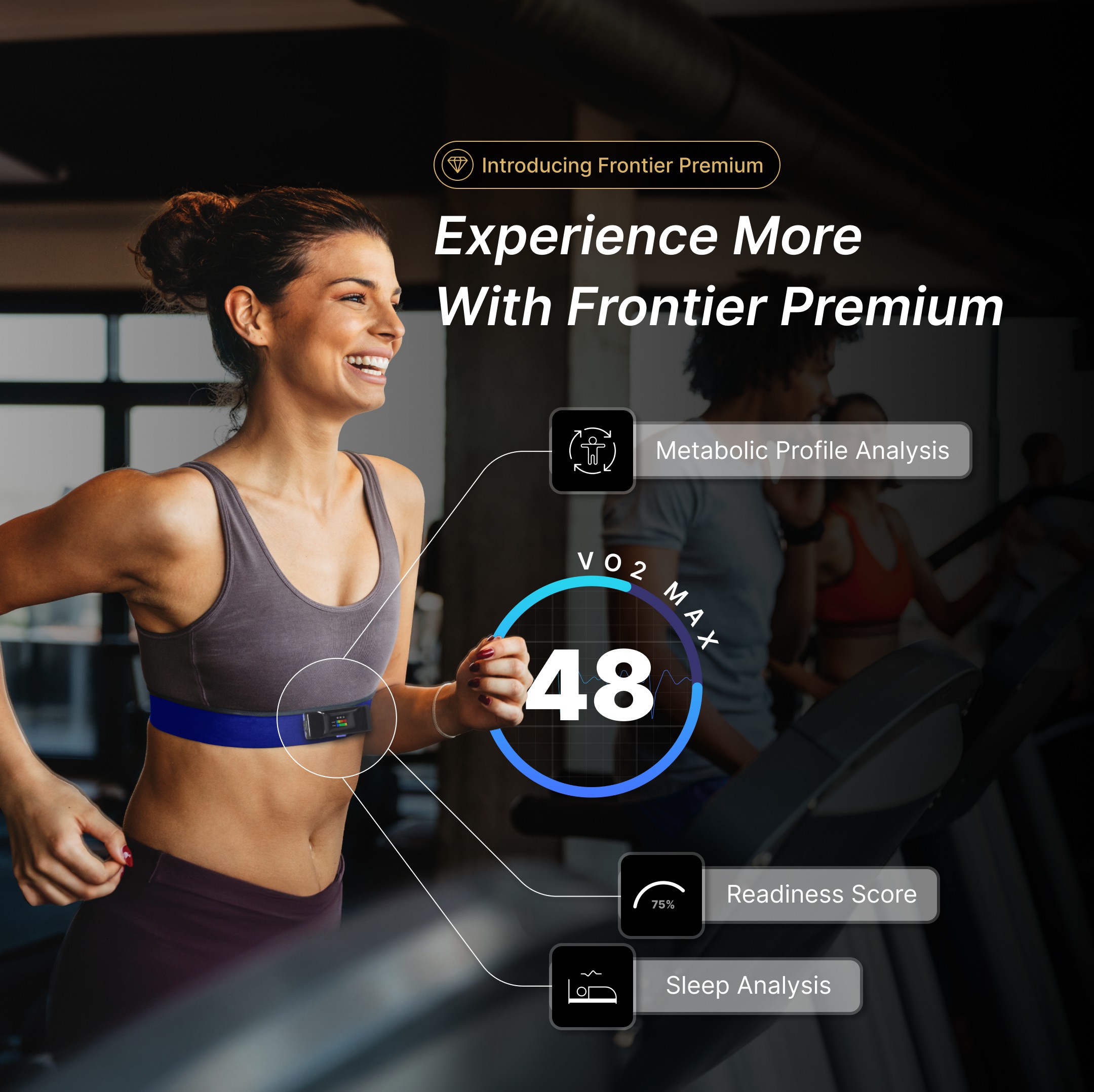
Frontier Premium Subscription, now live on the Frontier X app! Experience the most accurate VO2 Max measurements outside of a lab, along with a reliable readiness score and advanced sleep stage analysis. With detailed Ventilatory Threshold zones data and oxygen uptake insights,…Read More
![]() 3 Comments
3 Comments-
![Profile picture of michael]()
The premium feature is really nice … had a hiccup initially but the staff at FF fixed it and it really provides great data !
-
![Profile picture of marco]()
How does it measure VO2max?
-
![Profile picture of Community Manager]()
Thank you for reaching out to us at Community.
To get an accurate VO2 Max reading, enter your age, height, gender, and weight under the profile section in the Frontier X app. This information allows the app to provide you with accurate VO2 Max based on your unique profile. For more details refer the link…Read More
-
-
-
![Profile picture of Tom Napier]()
Tom NapierPinned Post
Anyone with pacemakers use the FF monitor with device techs for adjustments. Just recently had a pacemaker implant – ten days ago. Still on the mend – wound and anchor setting for the wires. Anxious to test the rate response setting with increased exercise activities. Mainly a cyclist but can test running too. I have the Boston Science…Read More
6 Comments-
![Profile picture of Community Manager]()
The Frontier device has not undergone official safety testing for use with pacemakers. However, we have received feedback from several users who have reported using it without issues. We recommend that you contact your pacemaker manufacturer for specific safety information. Additionally, it’s always best to consult your healthcare provider to e…Read More
-
![Profile picture of ivan]()
Hi Tom – I have a pacemaker and FF has been extremely useful in helping to sort out various arrhythmias that I have developed and provided very useful information to help the electrophysiologists adjust the settings. Although it has a battery and bluetooth I do not think it gives out enough EM radiation to affect the PM – but like all “household”…Read More
-
![Profile picture of dib55]()
I had a pacemaker fitted two years ago and use FF for running, cycling, HIIT Circuit and weight training and I have yet to experience any issues.
-
![Profile picture of simon]()
I was able to use the HR graph to show my pacing tech team how my PM was not tracking and pacing above a certain HR level. They found the graph very helpful and were able to adjust the upper tracking/pacing levels for me.
-
![Profile picture of Doug]()
Tom, I’d be curious how your rate response is working and which device you have.
-
-
I had a syncope event a week ago. I wore my monitor while I slept the night following the syncope. How do I send the results to my primary care physician?
-
-
![Profile picture of Community Manager]()
If you are using Live ECG, the recording duration is limited to 1 hour. However, if you wish to perform a longer continuous recording, you can record a regular activity for up to 24 hours and view the ECG once the activity has been synced. Please refer to the link below for more information:…Read More
-
-
How do I know when my heart beating fast
-
Does anybody have a loop recorder and does the FF interfere with it? I recently had a loop recorder implanted and wasn’t sure if I could wear my FF monitor.
1 Comment-
![Profile picture of Community Manager]()
Hi Melissa,
Thank you for writing us on the community, to answer your query:
Implantable loop recorders can occasionally experience electromagnetic interference (EMI) from nearby electronics, especially devices placed directly over the implant site.
Wearables and fitness devices have been reported to interfere with some implanted cardiac devices…Read More
-
-
Looking for similar cases: exercise-induced sinus node failure / junctional escape
I’m wondering whether anyone here has seen or experienced a similar exercise-associated rhythm issue.
My diagnosis is exercise-induced sinus node dysfunction, where during running my sinus rhythm intermittently drops out and is replaced by a junctional r…Read More
![Profile Photo]() liked this
liked this
- Load More Posts




How do I to this with my device?